01
Posters and packaging with real words
Headlines, labels, signage, price tags. Test the text first — it is where image models usually break.
Describe a picture and generate it at up to 4K. Choose GPT Image 2 for readable text, GPT Image 2.5 Flare or Sunburst for a different creative pace, or a Nano Banana model for the look you need.
Creative workspace
Text to image is generating a picture from a written description. You describe the subject, the framing, and the look; the model renders it. There is no photograph, no illustration, and no source file to start from.
How the people who built the model describe it:
“The OpenAI API lets you generate and edit images from text prompts using GPT Image models, including our latest, gpt-image-2.”
These are the jobs people actually bring to Text to Image, and the settings each one needs.
Headlines, labels, signage, price tags. Test the text first — it is where image models usually break.
Six images that share one palette, one lens, one light. Not six good images that obviously came from six different prompts.
Your product on a surface nobody photographs it on. An idea that only works as a metaphor.
Text to Image
Text to Image puts the handful of controls that change the result most in front of you, and keeps the rest out of the way.
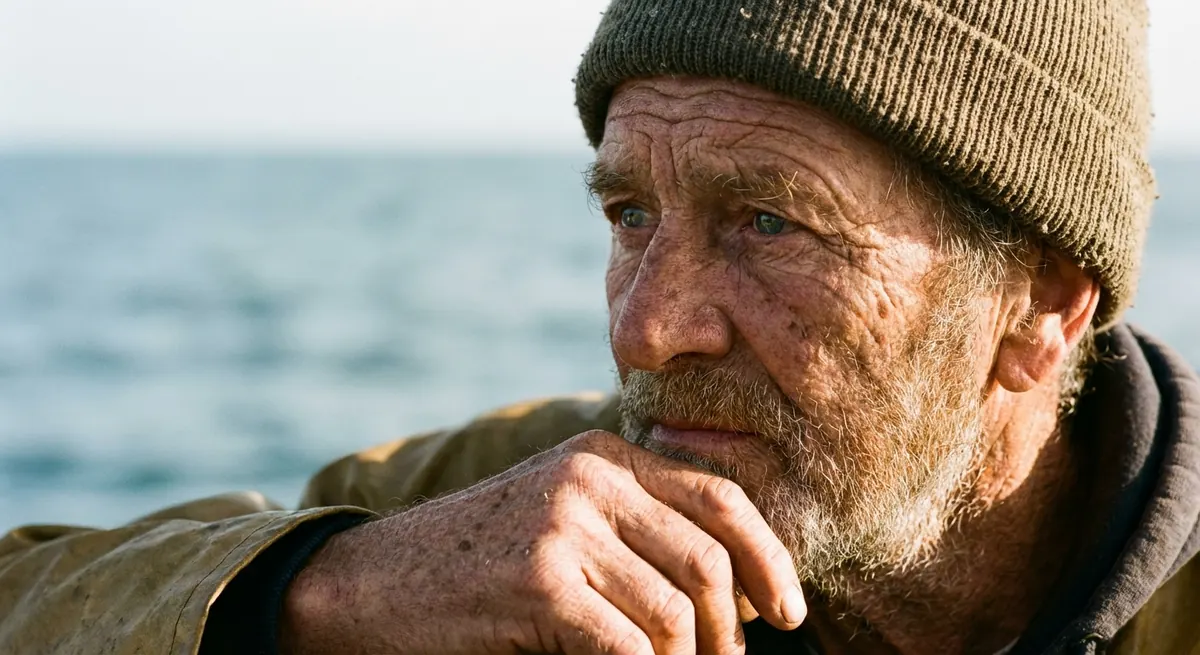
01
GPT Image 2 for readable words. GPT Image 2.5 Flare for a faster creative pass or Sunburst for more deliberate detail control. Nano Banana Pro when a set has to match; Nano Banana 2 when you want to explore quickly.
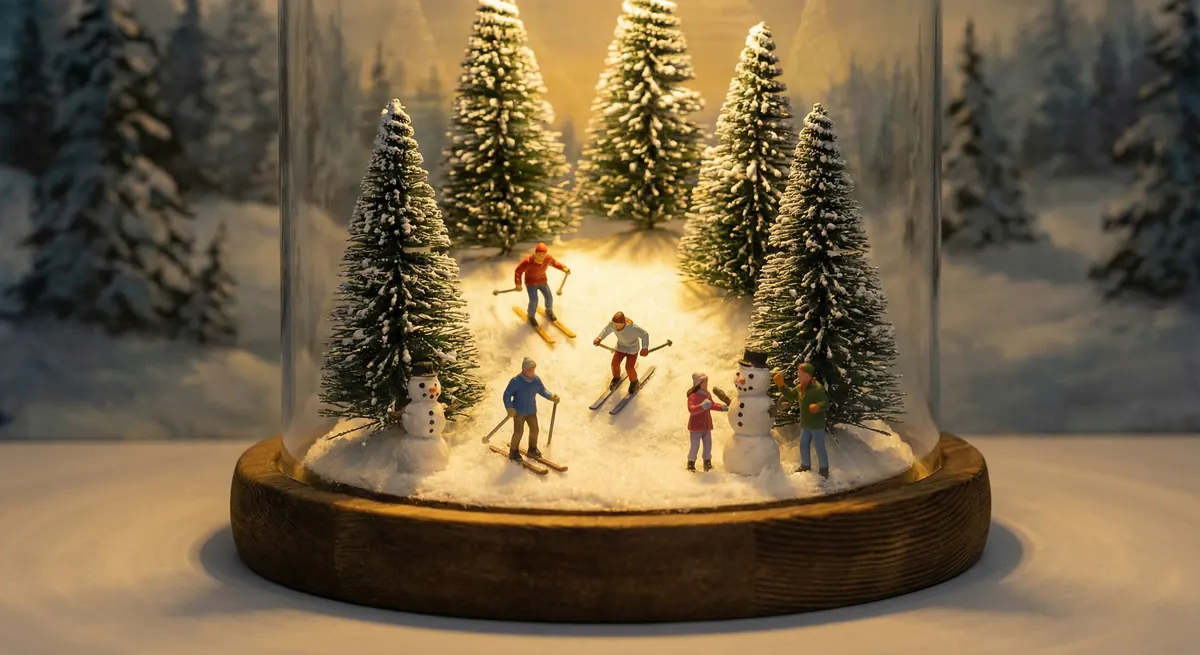
02
Subject, framing, light, mood — written as sentences. Keywords give you their average. A described scene gives you a composition.
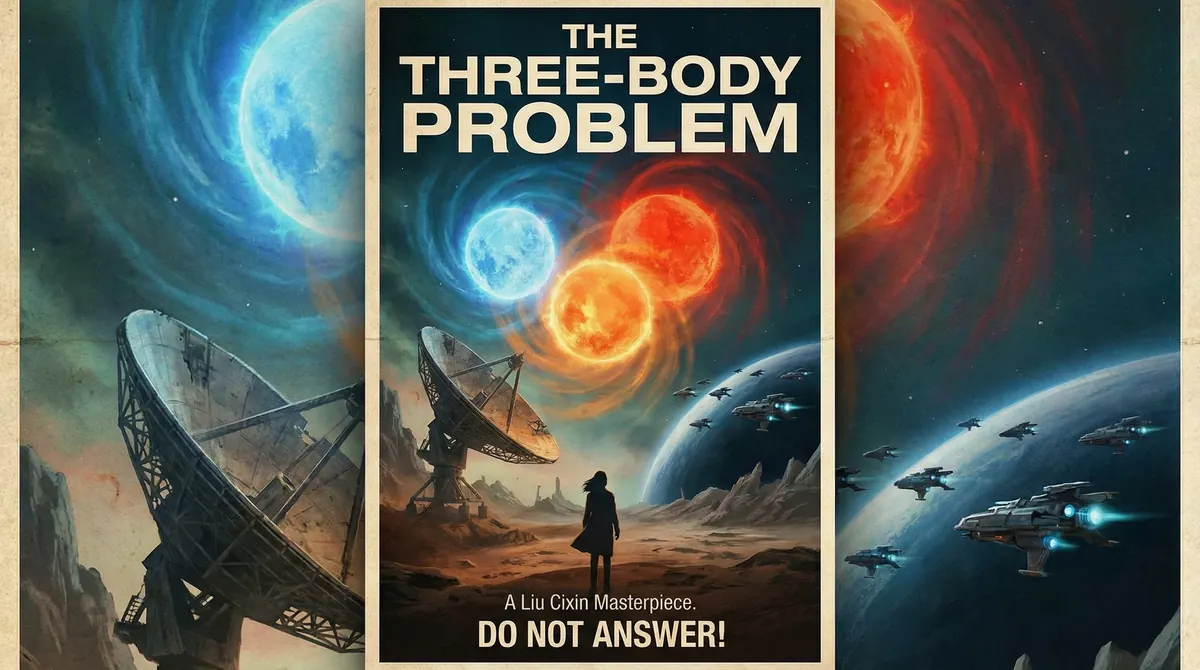
03
Settle the idea where a run costs least, then re-run the one you kept at full size. Exploring and finishing should not cost the same.
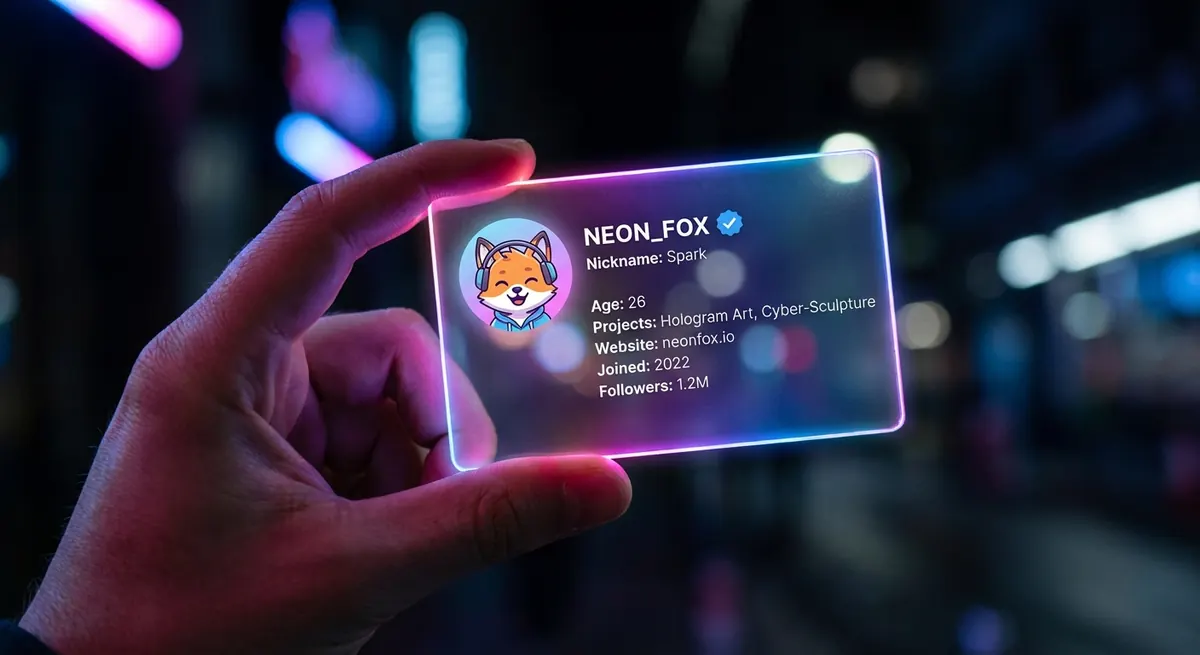
04
An image composed for 16:9 does not survive a crop to 9:16. Choosing up front costs less than fixing it later.
05
If no image comes back, the credits do. An experiment that goes nowhere costs nothing.
Text to Image
Where Text to Image is the right call, and where a different model does the job better.
Starts from
A blank page
The prompt decides
Everything
Pick this when
You have no image to work from yet
One sentence for the subject and what it is doing. One for where it is and how it is lit. Skip the pile of adjectives.
Write the words the way they should appear, then choose GPT Image 2 for that run.
Iterating is cheapest here, and one change per run tells you which change worked.
Same prompt, same model, bigger output. That is the version you ship.
Write the brief, submit it here, and follow the result in Studio.