01
Rapid concepts
Explore multiple directions before investing in a final render.
A responsive generation and editing workspace for rapid concepts, broad aspect ratios, reference images, and outputs up to 4K.
Creative workspace
Nano Banana 2 is Google's fast image generation and editing model. It gives up some of Pro's deliberation in exchange for turnaround, which is the trade you want while you are still iterating on an idea rather than rendering the final frame.
How the people who built the model describe it:
“Google's new state-of-the-art fast image generation and editing model”
These are the jobs people actually bring to Nano Banana 2, and the settings each one needs.
Explore multiple directions before investing in a final render.
Adapt one idea across unusually tall, wide, and standard placements.
Make practical visual changes without a heavyweight workflow.
Nano Banana 2
Nano Banana 2 puts the handful of controls that change the result most in front of you, and keeps the rest out of the way.

01
Built for iteration loops where feedback arrives quickly.
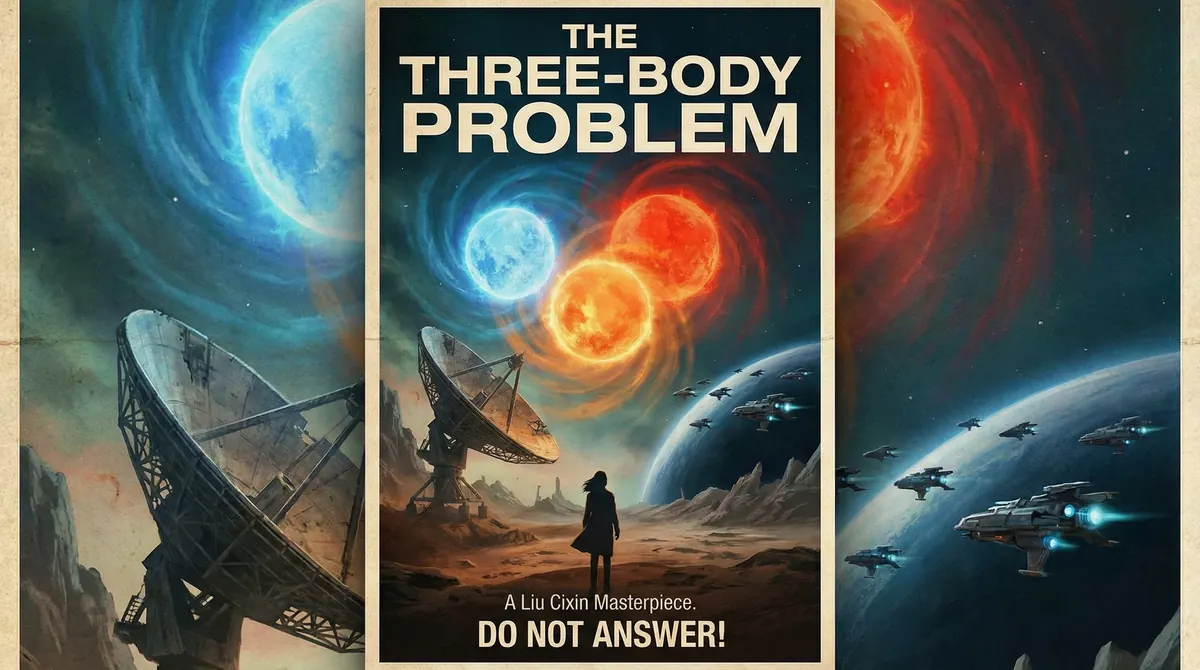
02
Use 0.5K for exploration, then step up to 4K.
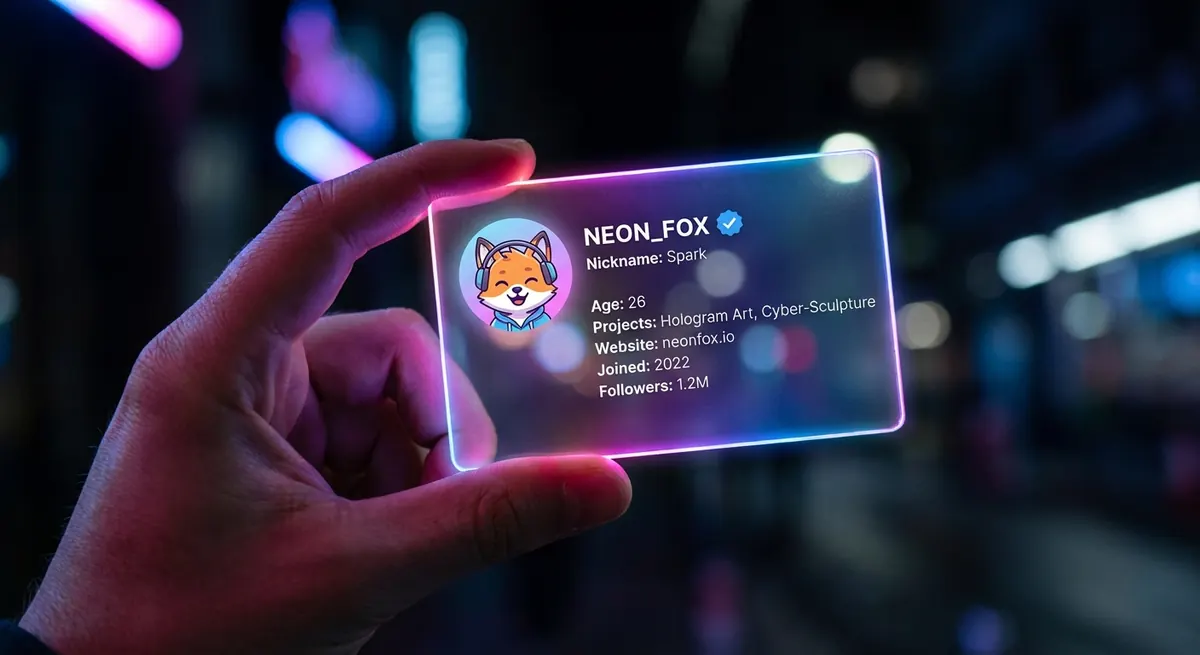
03
Supports banner-like and tall formats beyond the usual set.

04
The same model covers blank-canvas and source-led work.
Nano Banana 2
Where Nano Banana 2 is the right call, and where a different model does the job better.
Compared with Nano Banana Pro
Faster, broader formats, optimized for iteration
Compared with GPT Image 2
Choose speed and format range over typography depth
Best decision signal
You need many directions or unusual dimensions
Write the idea and add any source or reference material the tool needs.
Choose the model, format, resolution, and duration that match delivery.
Submit to start the task. Studio shows its progress, the credits it used, and the result when it finishes; a task that fails returns its credits.
Write the brief, submit it here, and follow the result in Studio.