H3 Max
AI Image Utility

Blur Image Background

AI Background Blur: Blur a Photo Background, Keep the Subject Sharp

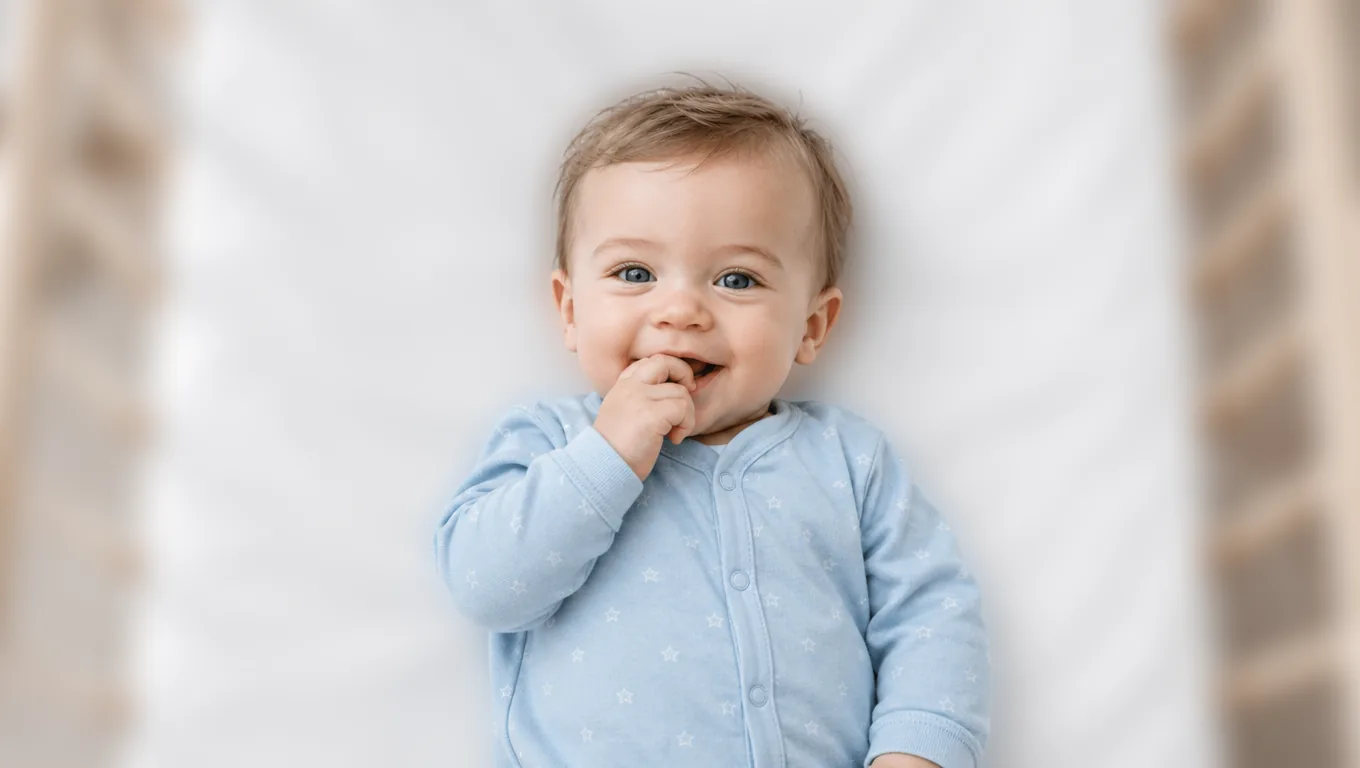
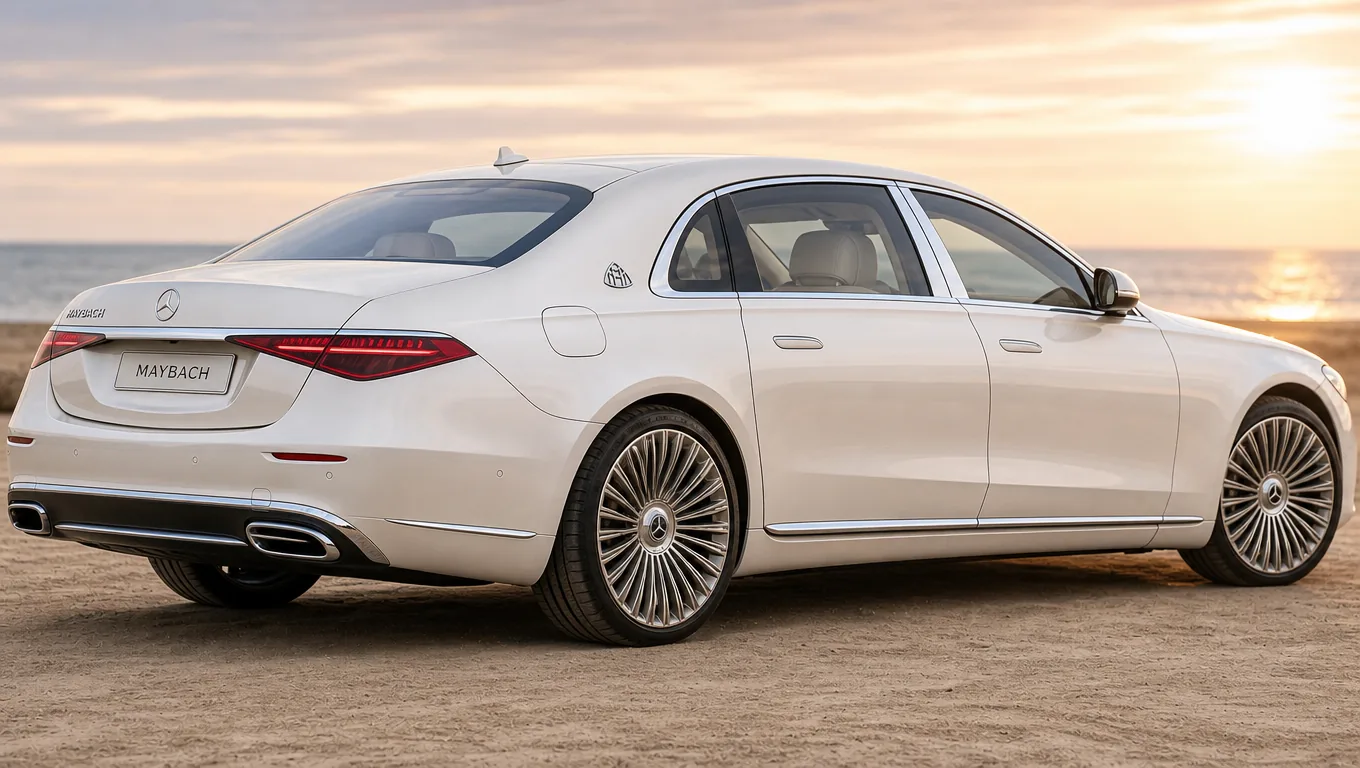
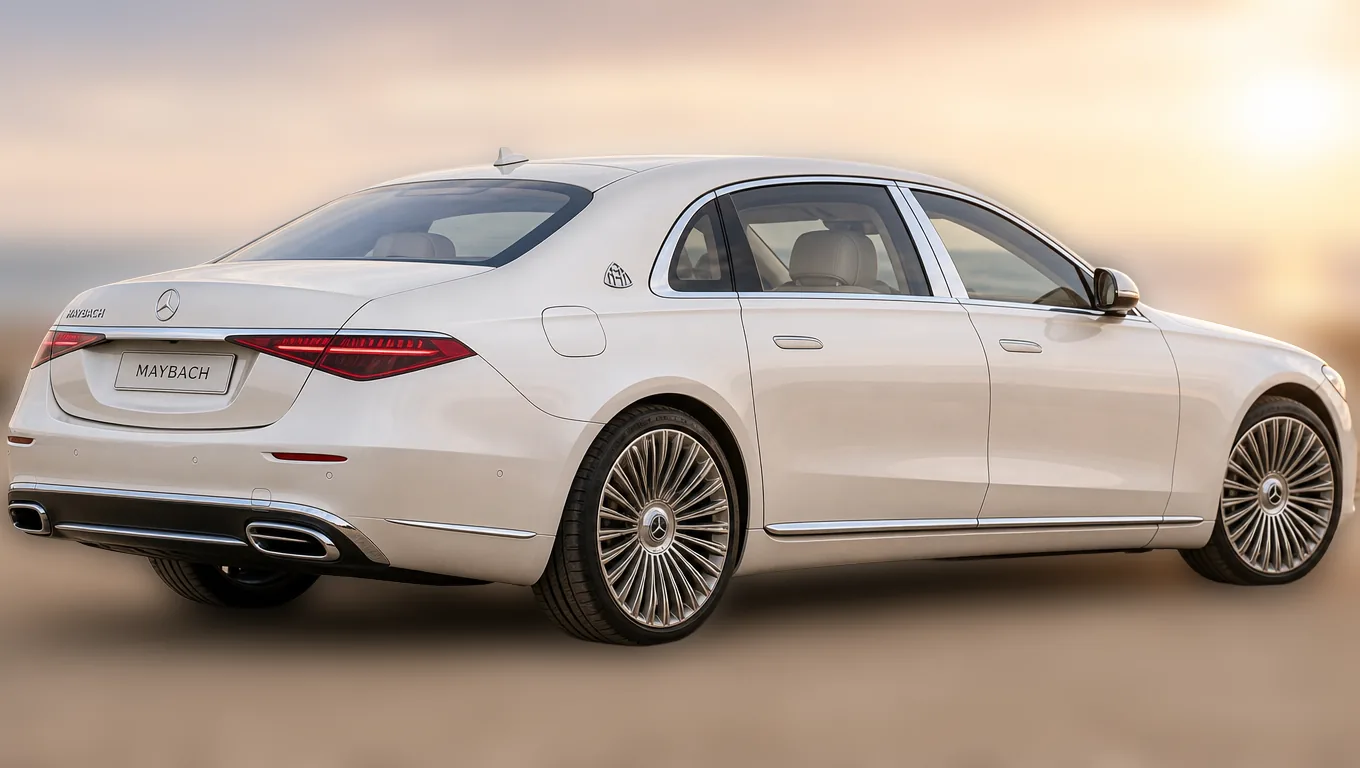
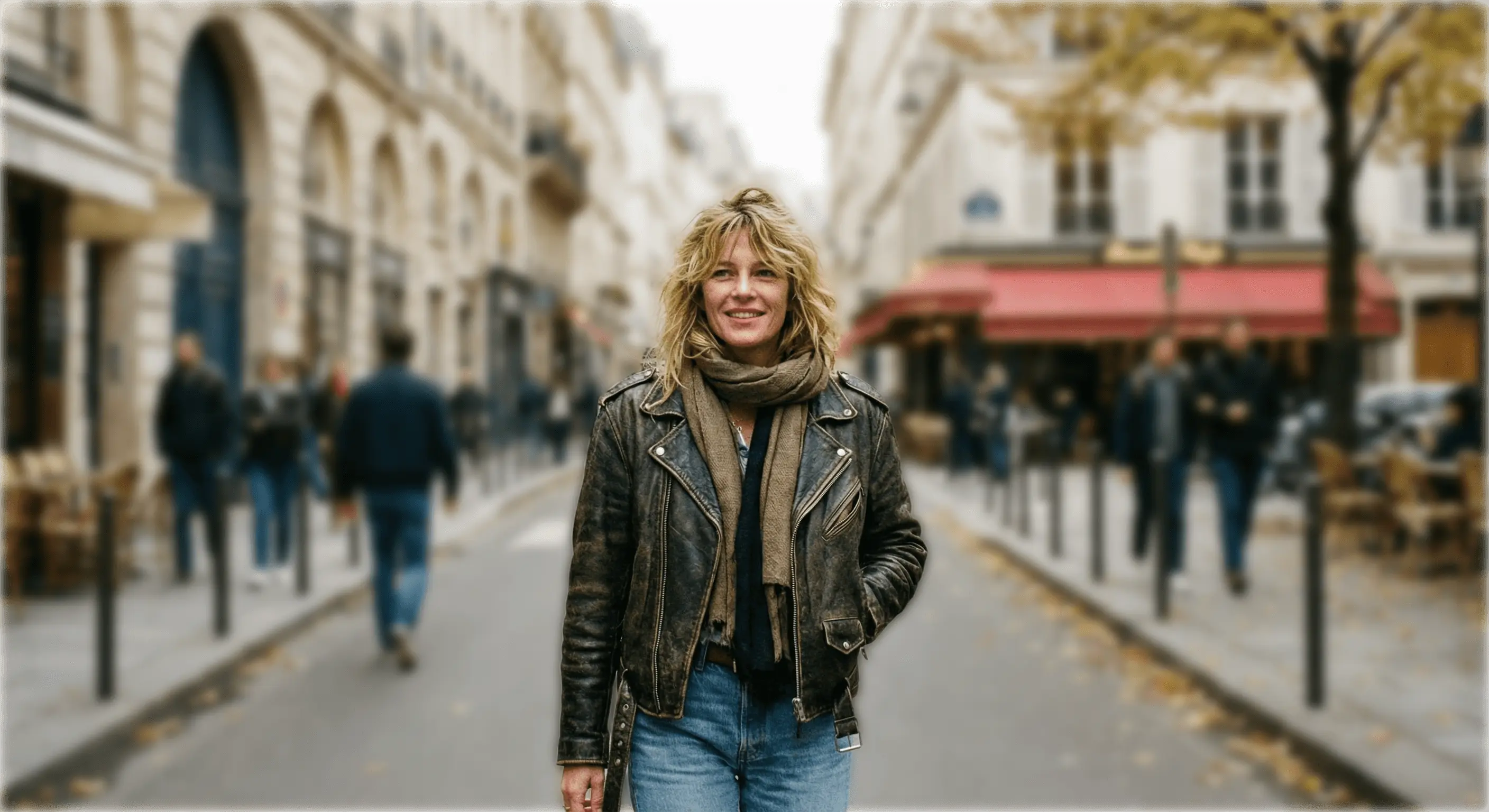
Upload a picture and the background goes soft while the subject stays in focus — the shallow depth of field a fast lens gives you, on a photo taken without one. Blur photo backgrounds for a headshot, blur picture backgrounds for a product listing; it is one step either way, and it works on shots you have already taken, which is the part a phone portrait mode cannot do.

Background Blur

Interactive preview

Before
After
AfterBefore

Settings

What is Blur Image Background?

Blurring a photo background means keeping the subject sharp while softening everything behind it. The subject is separated from the background first, so the blur follows the real edge instead of smearing across it — the shallow depth of field a wide aperture lens gives you.

How the people who built the model describe it:

“Bria RMBG 2.0 enables seamless removal of backgrounds from images, ideal for professional editing tasks. Trained exclusively on licensed data for safe and risk-free commercial use.”
Bria Background Removal on fal

Blur Image Background at a glance

You bring
JPG, PNG or WebP
You get back
The same photo, blurred behind
Blur strength
Three levels

What you can make with the Blur Image Background tool

These are the jobs people actually bring to Blur Image Background, and the settings each one needs.

01

Blur a photo background for a headshot

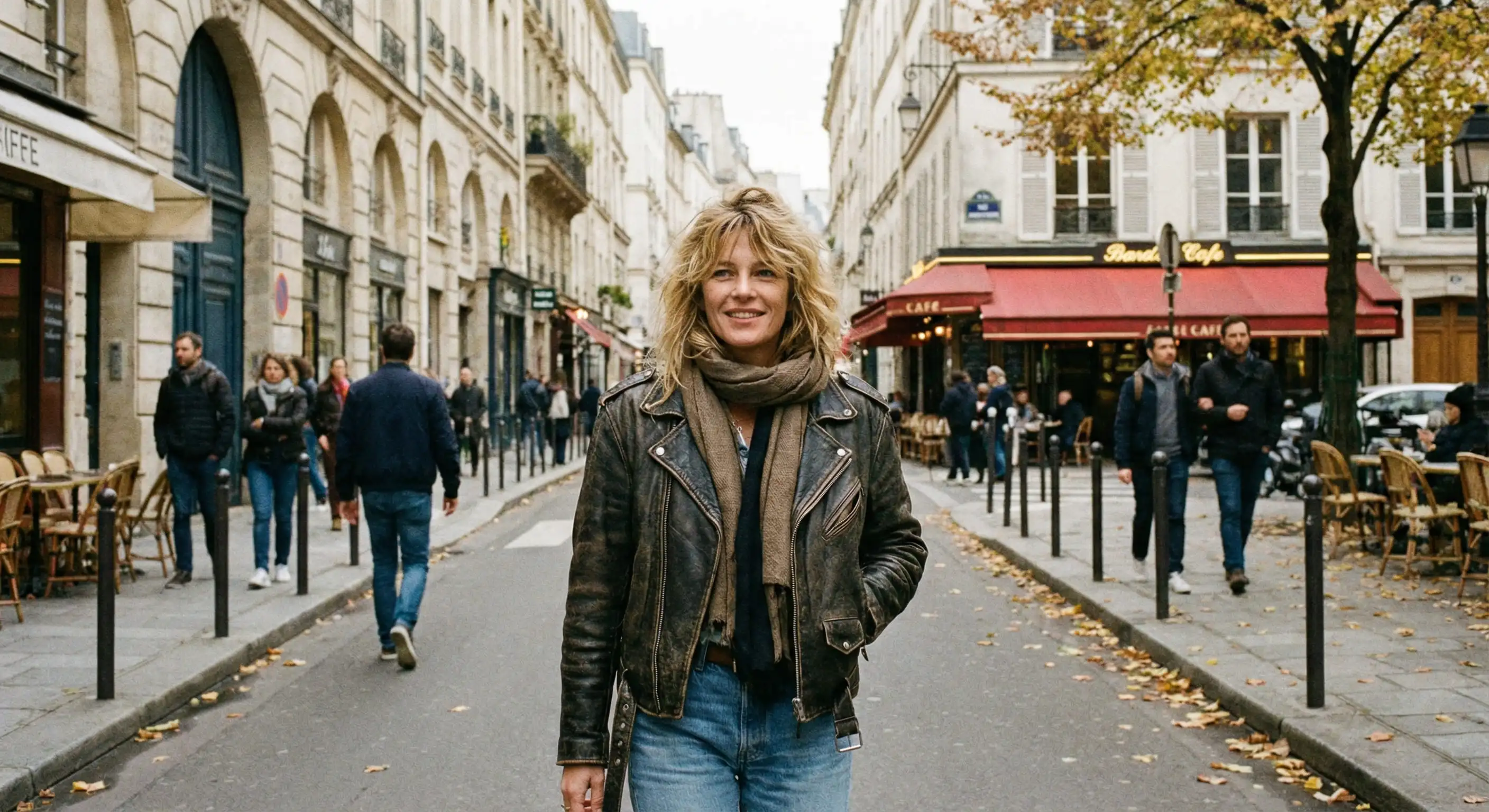
A snapshot taken in a kitchen or an open-plan office reads as a considered portrait once the room behind it stops competing with the face. This is most of what a profile photo needs, and it does not need a studio.
02

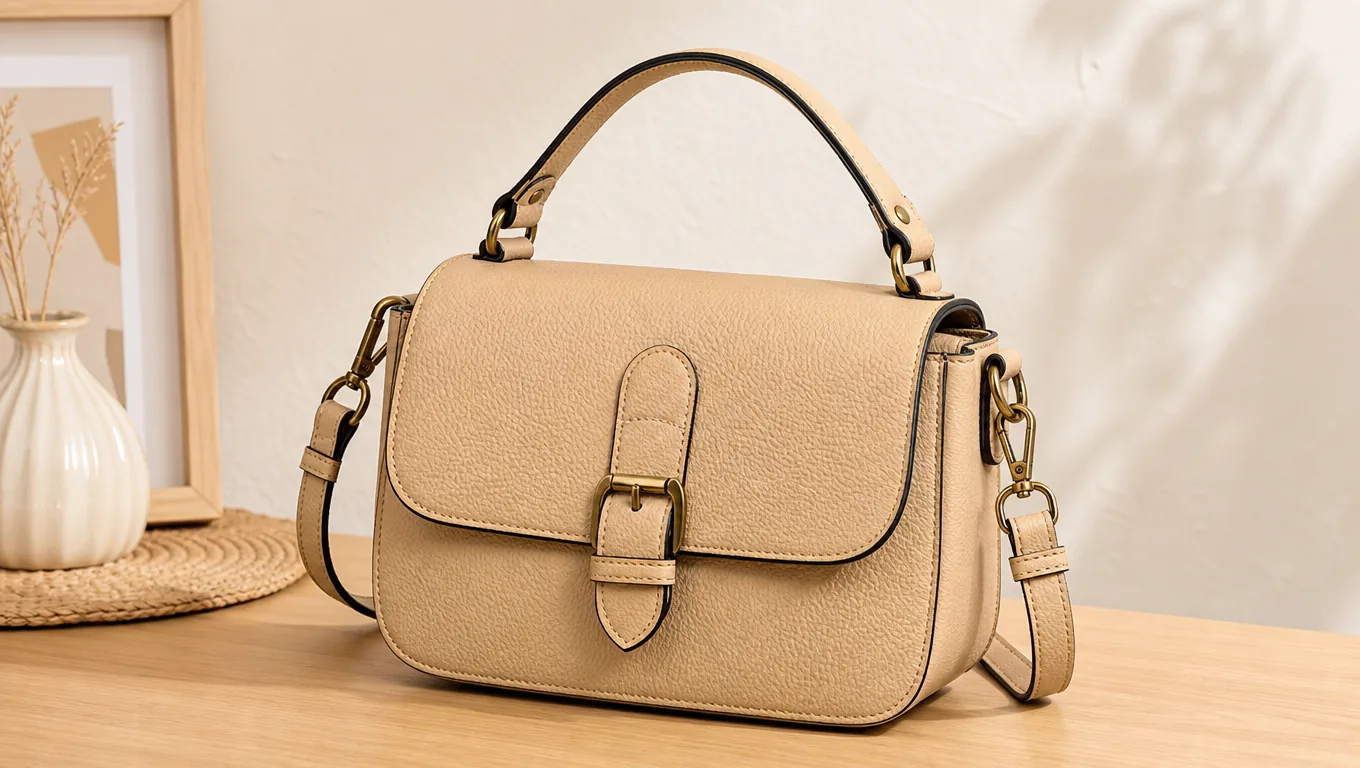
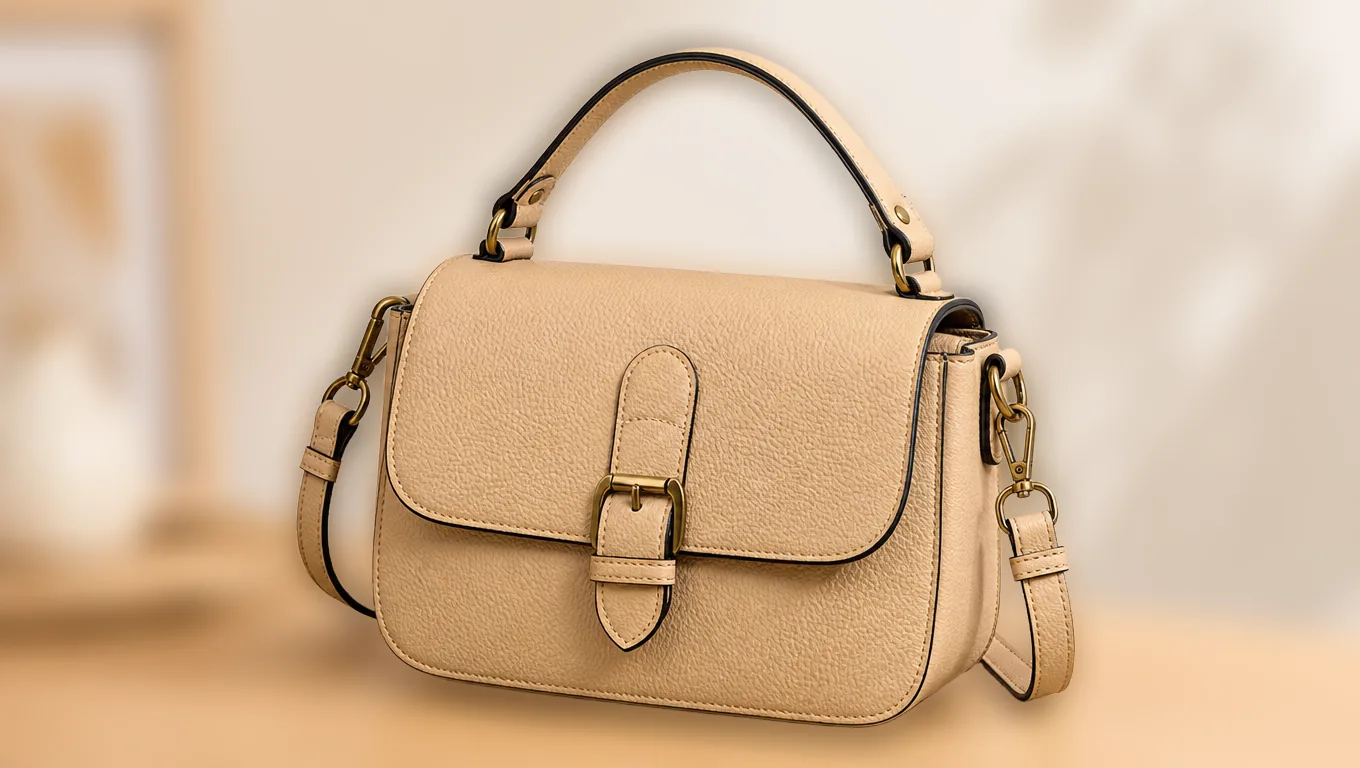
Quiet the room behind a product

Background blur removes the distraction without removing the setting, so the shot still looks like it was taken somewhere real — a workbench, a kitchen counter, a shop floor.

03

Blur the strangers standing behind you

Everything that is not the subject softens, passers-by included. A photo taken in a public place becomes usable without picking out faces one by one.

Blur Image Background

A workspace shaped for the model

Blur Image Background puts the handful of controls that change the result most in front of you, and keeps the rest out of the way.

Before
After
AfterBefore

01

It finds the subject before it blurs anything

The subject is separated first, then the background blur is applied around it. Blurring the whole picture and painting the subject back over it is what produces a halo, and it is why hand-done blur usually looks hand-done.

Before
After
AfterBefore

02

Three strengths, and a rule for picking

Soft blur tidies a background, portrait depth mimics a fast lens, strong blur reduces the room to colour. The rule is distance: a background close behind the subject wants less blur, a far one wants more, because that is how a real lens behaves.

Before
After
AfterBefore

03

The scene stays

Unlike removing a background, blurring keeps where the photo was taken. That matters when the setting is part of what the picture is saying. Use Remove Background when the setting has to go entirely.

Before
After
AfterBefore

04

Original framing, original size

Nothing is cropped to fit a template and nothing is downsized, so the result drops straight back into wherever the photo was already going.

Blur Image Background

Choose with context

Where Blur Image Background is the right call, and where a different model does the job better.

Starts from

A photo with a busy background

You get

The same scene, out of focus

Pick this when

The background should stay, just quietly

How to blur a picture background

01

Upload the photo

JPG, PNG or WebP, at whatever size you have. No account is needed to try it — signing in is asked for at submit.

02

Choose how much blur

Start with portrait depth. Judge by distance: if the background sits close behind the subject, go softer, because a lens would not have thrown it that far out of focus.

03

Check the edge

Look along hair and shoulders, and at any gap you can see through — between an arm and a body, or through a handle. That is where a background blur gives itself away.

04

Download, or take it further

The result comes back at the size you sent it. If the background needs to go rather than soften, the same subject separation drives Remove Background.

Questions about background blur

Start Blur Image Background

Set up the brief now, then continue in the shared Studio workspace.