01
Posters, covers, and infographics
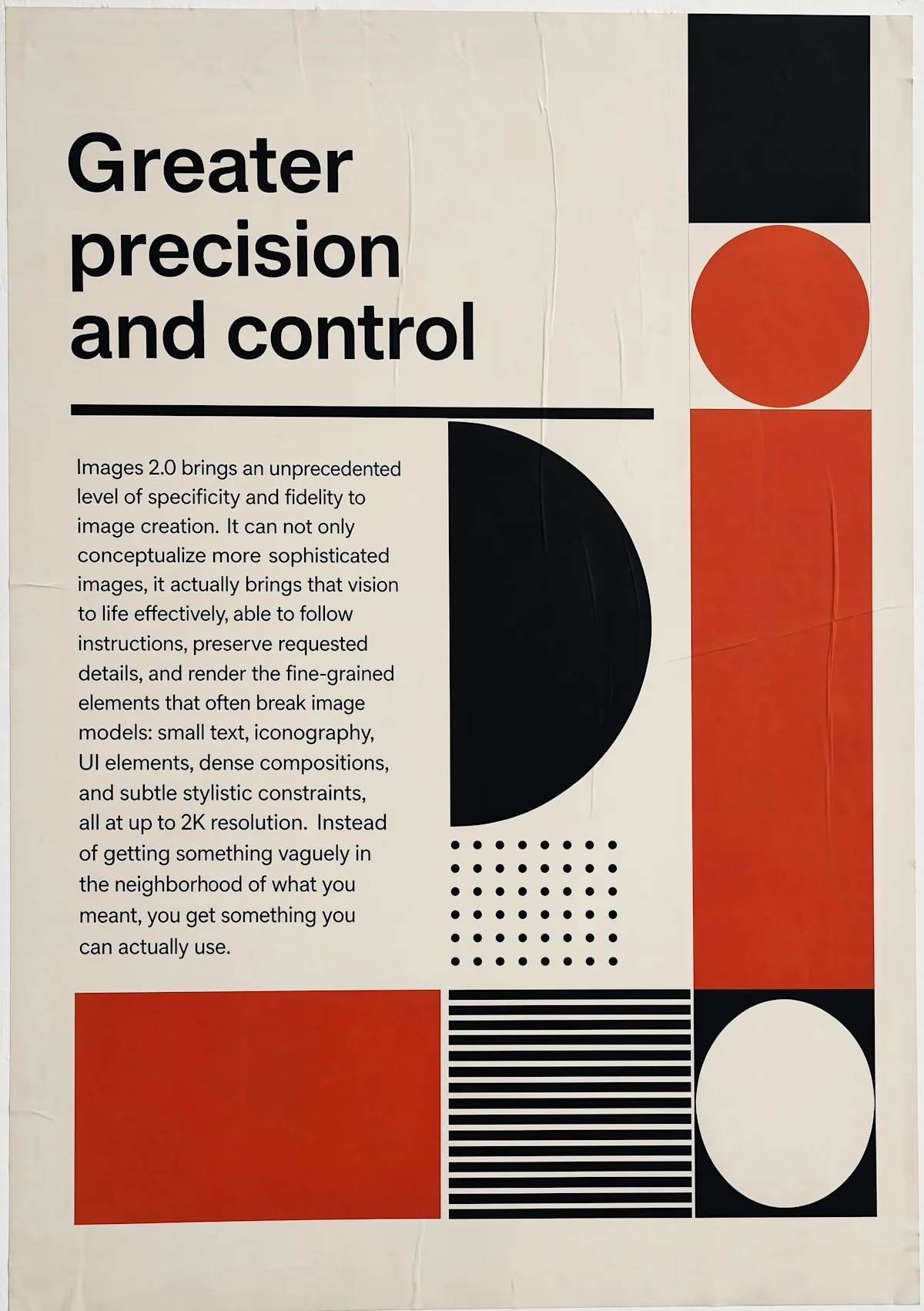
Build editorial layouts with headlines, labels, charts, and multilingual copy while giving the model an explicit visual hierarchy.
Explore GPT Image 2 for text-to-image creation and reference-led editing, with stronger instruction following, readable text, complex layouts, product visuals, character systems, and flexible high-resolution formats.
Creative workspace
GPT Image 2 is OpenAI's image model for generating and editing pictures from text. It is the one to reach for when the image has to contain readable words — signage, packaging, a poster — because it renders lettering more reliably than most image models.
How the people who built the model describe it:
“The OpenAI API lets you generate and edit images from text prompts using GPT Image models, including our latest, gpt-image-2.”
These are the jobs people actually bring to GPT Image 2, and the settings each one needs.
Build editorial layouts with headlines, labels, charts, and multilingual copy while giving the model an explicit visual hierarchy.
Place products in art-directed scenes, define lighting and materials, and include campaign copy without building every element by hand.
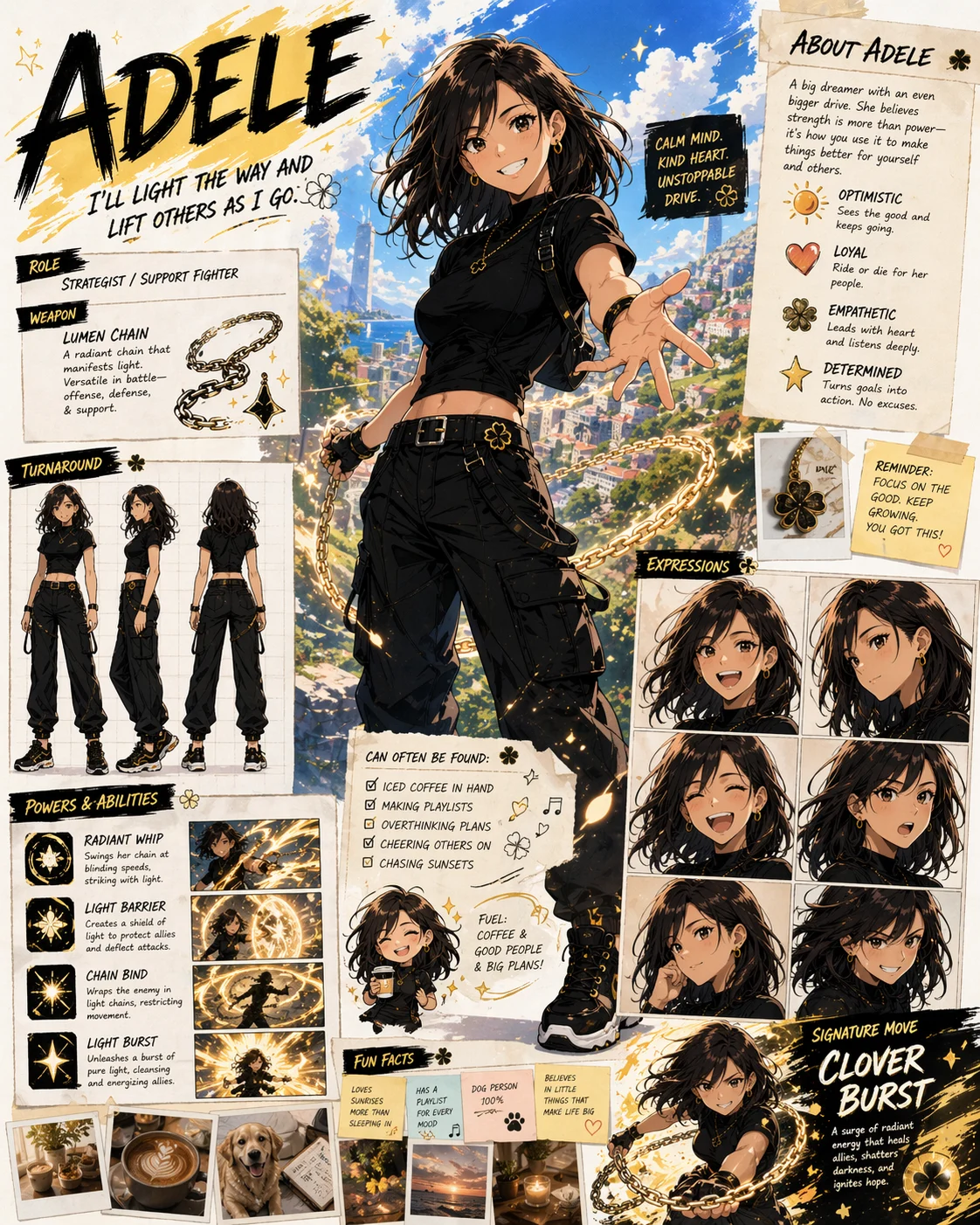
Develop character sheets, storyboards, and related creative assets from a shared brief or reference image, then refine the parts that need another pass.
GPT Image 2
GPT Image 2 is most useful when an image must do more than look attractive. It can follow layered direction, organize information, preserve useful reference details, and adapt one idea across practical publishing formats.
 Official model example · OpenAI
01
Describe the subject, setting, camera, lighting, palette, composition, and relationships between objects in one structured brief. The model is designed to keep more of those constraints working together.
 Official model example · OpenAI
02
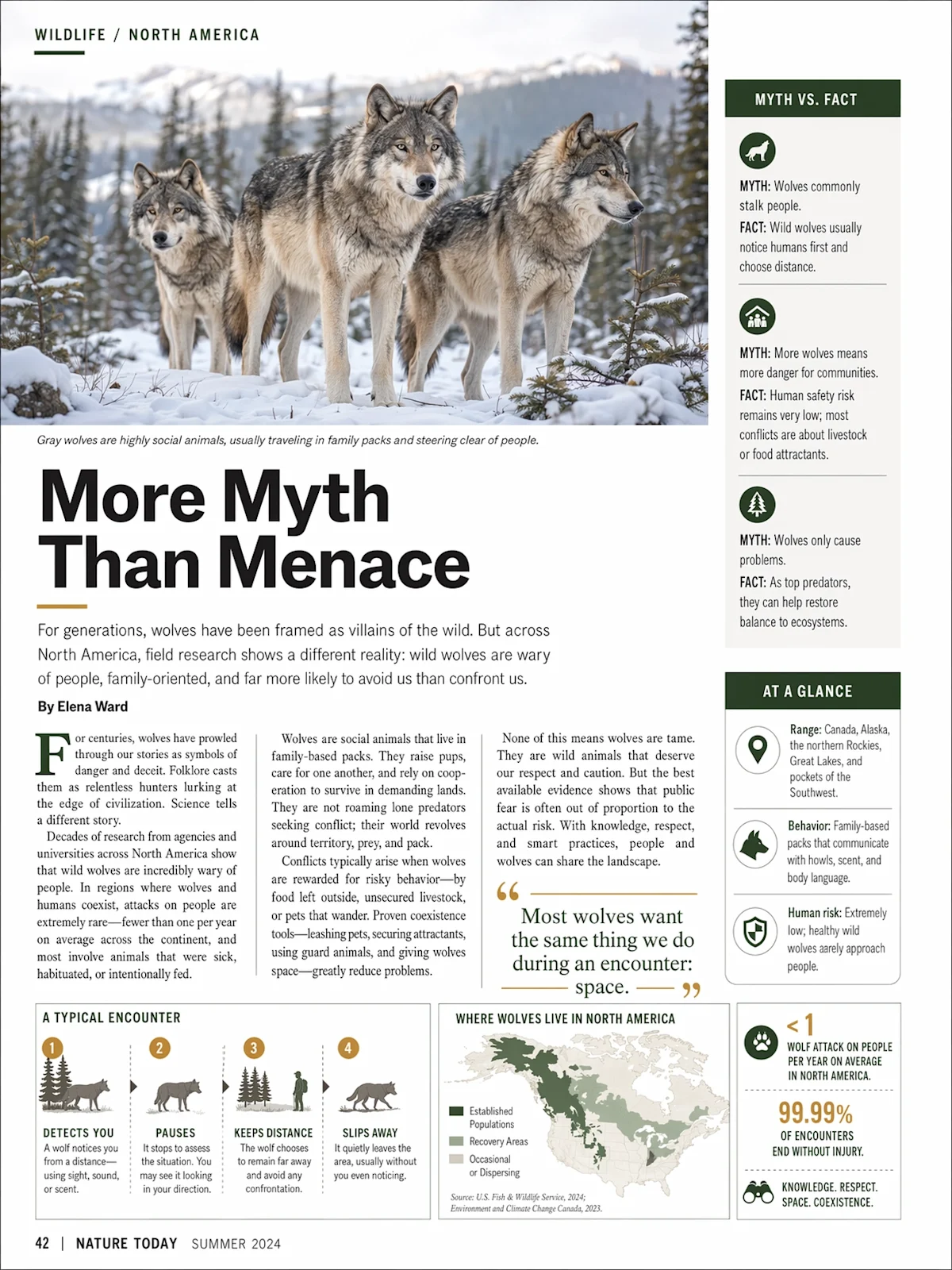
Use quoted copy and a clear hierarchy to create posters, magazine covers, menus, diagrams, and infographics. GPT Image 2 improves dense text rendering, but important wording should still be proofread.
 Official model example · OpenAI
03
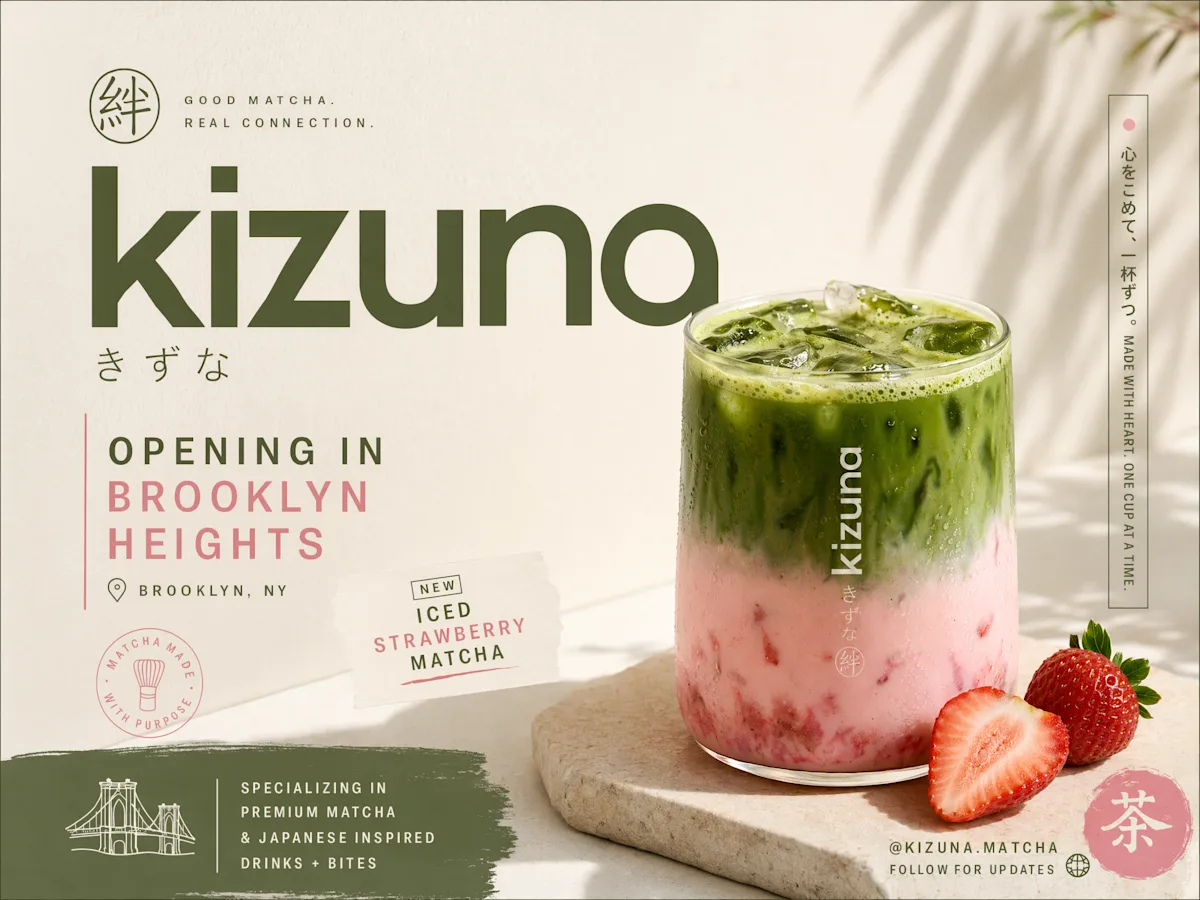
Direct the placement, reflections, materials, packaging, supporting props, and campaign message together for a more coherent advertising concept.
 Official model example · OpenAI
04
Use a reference image and explicit invariants—such as identity, costume, palette, or product design—to guide character sheets and related campaign assets across iterations.
 Official model example · OpenAI
05
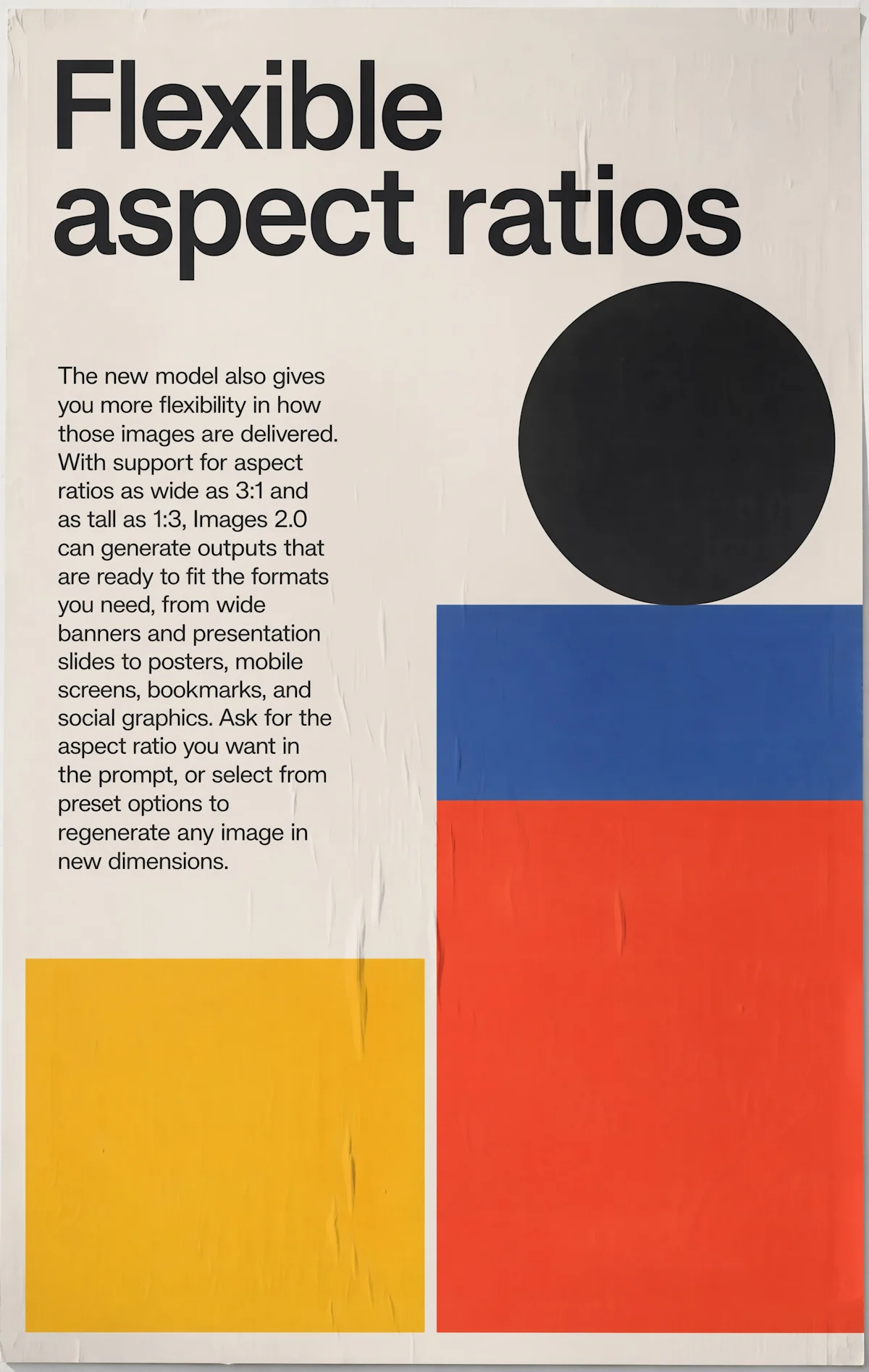
Plan the composition for square, portrait, landscape, or ultrawide placement from the start, then choose 1K for exploration or a larger output for final delivery.
GPT Image 2
Where GPT Image 2 is the right call, and where a different model does the job better.
Primary input
A structured prompt, with an optional reference image for editing
Best fit
Typography, complex layouts, product campaigns, and deliberate art direction
Editing behavior
Describe what must change and what must remain invariant in the source
Output planning
Draft quickly at 1K, then choose 2K or 4K when detail and delivery size matter
When to compare another model
Test an alternative when the priority is the fastest low-cost iteration rather than text, layout, or edit control
Start from text alone for a new composition, or upload a reference image when you need to transform an existing visual while retaining selected details.
State the subject and action first, then add composition, camera, lighting, style, and constraints. Put required on-image wording in quotation marks and describe its hierarchy and placement.
Match the aspect ratio to the destination before generating. Use 1K for fast exploration, then move to 2K or 4K when the final asset needs more output detail.
Open the result in Studio, then inspect exact wording, small typography, faces, hands, brand details, and edge quality. Revise the prompt with one clear correction at a time.
Write the brief, submit it here, and follow the result in Studio.