01
Fast concept exploration
Use Flare to move from a clear prompt to several creative directions, then keep the strongest direction for a more deliberate edit.
Generate a new visual or direct an edit with references, then choose GPT Image 2.5 Flare for a faster creative pass or Sunburst for deliberate detail control across up to 16 reference images.
Creative workspace
GPT Image 2.5 lets you create from text or steer an edit with up to 16 reference images. Choose Flare for a faster creative pass, or Sunburst when the edit needs more deliberate control over the requested details.
How the people who built the model describe it:
“The OpenAI API lets you generate and edit images from text prompts using GPT Image models, including our latest, gpt-image-2.”
These are the jobs people actually bring to GPT Image 2.5, and the settings each one needs.
Use Flare to move from a clear prompt to several creative directions, then keep the strongest direction for a more deliberate edit.
Add product, material, palette, or composition references and state which visible details must stay stable while the scene changes.
Carry an approved visual direction into a set of formats, seasonal variations, or supporting assets without rewriting the brief from scratch.
GPT Image 2.5
Both variants work from a written brief and optional reference images. The practical choice is whether the next step benefits more from fast creative exploration or from more deliberate control over a sensitive edit.

01
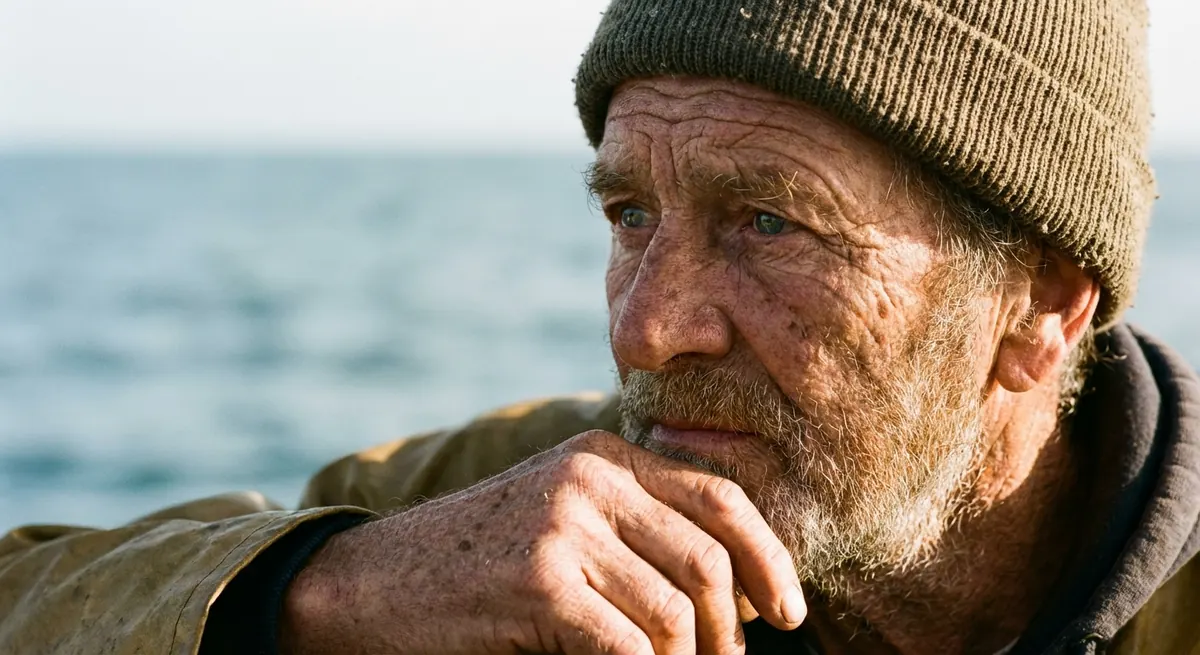
Choose Flare when you are exploring a concept quickly. Choose Sunburst when the next revision needs more deliberate attention to the details you specify.
02
Bring together subject, product, color, material, composition, and style references in one request, then tell the model the role of each image.
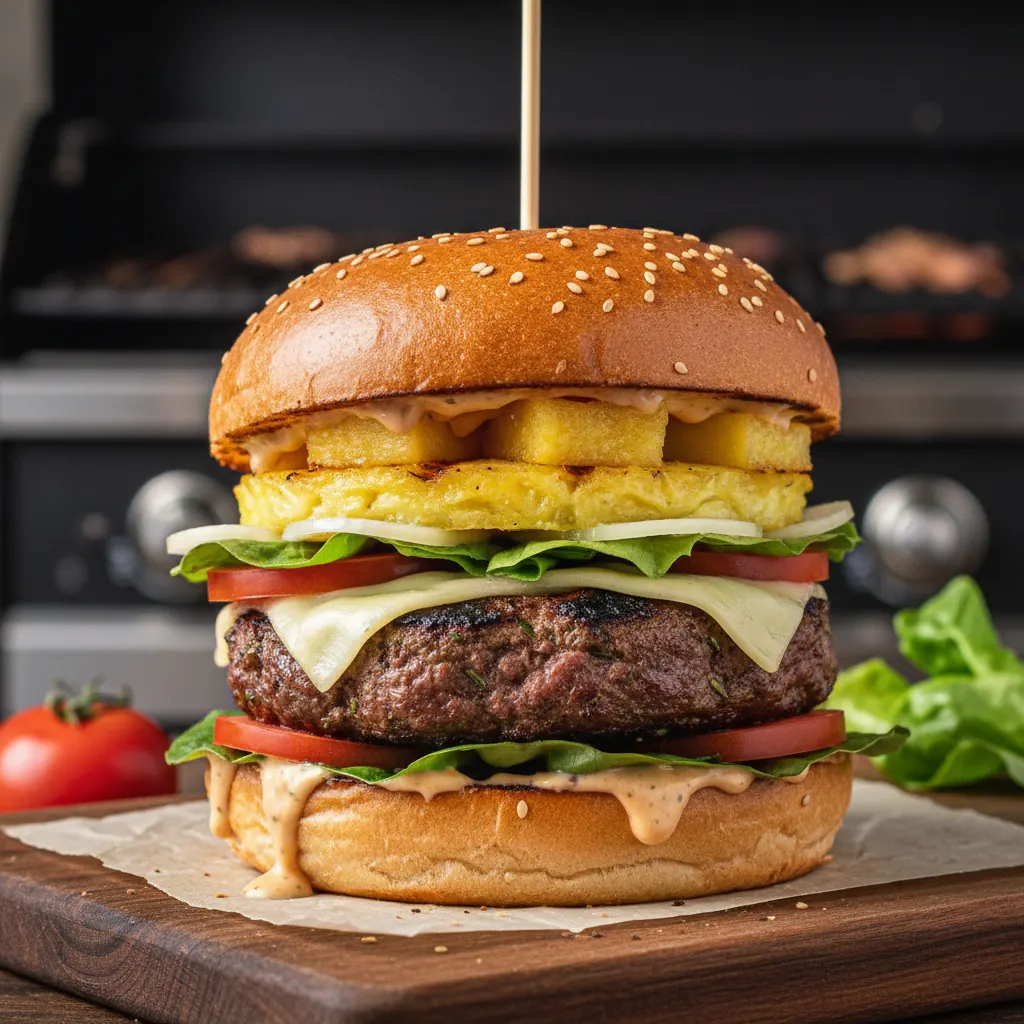
03
Start with a new prompt when no source exists, or begin with a reference when preserving parts of an existing visual matters more than starting over.
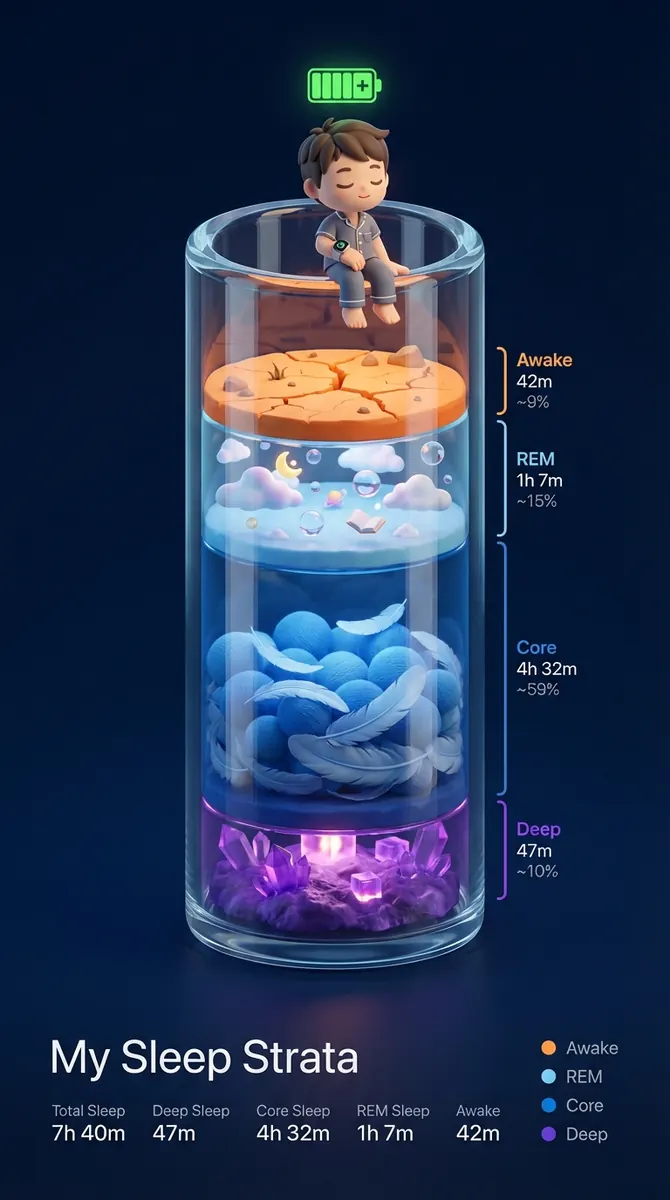
04
Use 1K for early direction, 2K for a more detailed review, and 4K only when the approved image needs a larger final asset.
GPT Image 2.5
Where GPT Image 2.5 is the right call, and where a different model does the job better.
Flare
A faster route for creative exploration and new directions.
Sunburst
A deliberate route for detail-sensitive reference-led edits.
Reference capacity
Both variants accept up to 16 image references per request.
Starting point
Use a prompt for a new image, or references when selected details should guide the result.
Pick Flare for a quick creative pass or Sunburst for a detail-sensitive edit.
Upload up to 16 images and describe what each one contributes instead of asking every image to control every detail.
Separate the requested change from the things that must remain stable, such as product shape, palette, or composition.
Start smaller for exploration, then inspect text, edges, repeated objects, and important details before requesting a larger output.
Write the brief, submit it here, and follow the result in Studio.